Accounting Main Screen
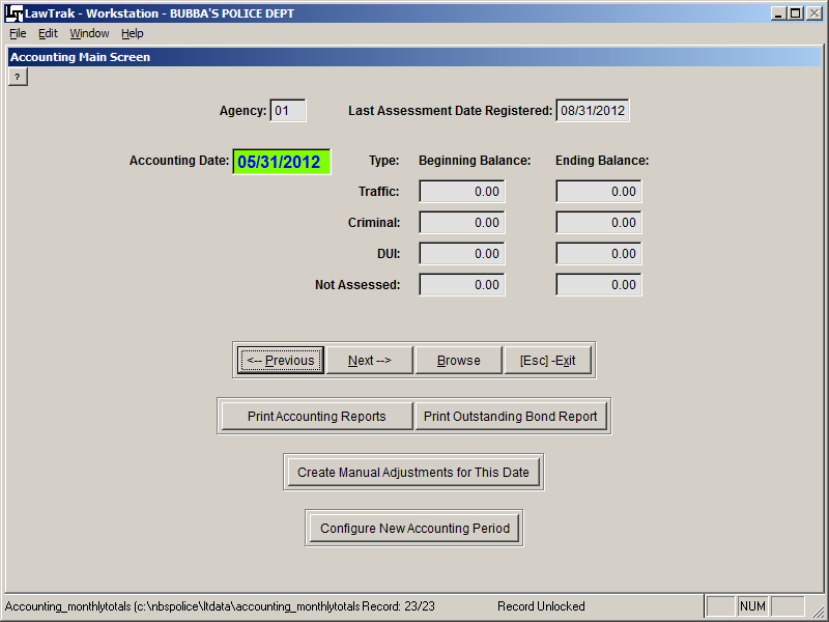
The Accounting Main Screen is used to collect data on all money taken in and disbursed. This piggy-backs off of the monthly State Assessment report.
Before you can run the Monthly Accounting Report, you must run the Monthly State Assessment Report. (See State Assessment Report Help File for more information)
Once assessments have been run, go to the Accounting Main Screen and print out the Outstanding Bond Report. This will find any money that has been paid but not yet assessed. There can be a variety of reasons why money has not assessed:
1) The money could be for a court case in a month that has not been assessed yet.
2) The court case could still be open. A case can only assess money once it is closed. 3) The money is for a restitution that has not been fully paid yet.
The money can also be on the Outstanding Bond List for unknown reasons. If these occur, please call LawTrak Support so we can find out why.

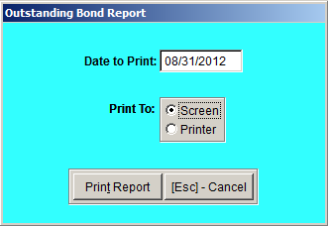 To print out the Outstanding Bonds, press the Print Outstanding Bond Report button, and set the date for the month you just ran for Assessments. That will be the box with the Last Assessment Report Registered.
This will print Outstanding Bond lists for DUI, Traffic and Criminal cases. Most courts will have outstanding bonds every month. What you will be looking for is the reason the bond is outstanding.
If there is a “Future” flag on the line item, that’s to be expected. In this instance, the case was paid in August, the trial date is set for September, and we’re working on outstanding bonds as of the end of August.
If there is an “Open” flag on the line item, this means the trial date for the case has passed, there is money applied to the case, but the case remains open for some reason. Check on these cases to see if they need to be closed or continued to a new court date.
If there is no flat at all in the line item, there is some sort of problem with the case that does not show up on this report. Please call LawTrak support as soon as possible.
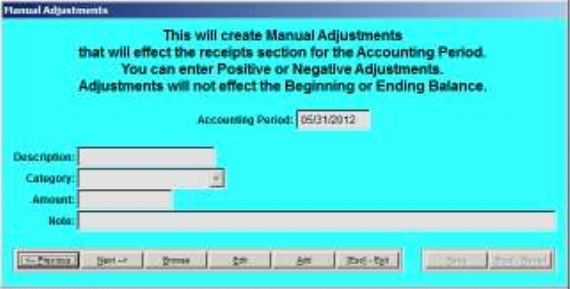
Creating Manual Adjustments
Configuring Receipts
Just a reminder – If you do not run the Daily Receipt Totals closing reports, your Monthly Accounting Reports will not be correct. While the Assessment Report works with the date the receipt came in, the Accounting Report works with the date the receipt was deposited in the bank (closed). If the receipts are never closed, the Accounting Reports will not show any money coming in to the court. (See Daily Receipt Totals for more information)
Configuring New Accounting Periods
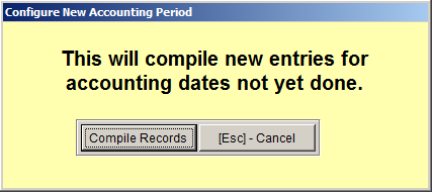
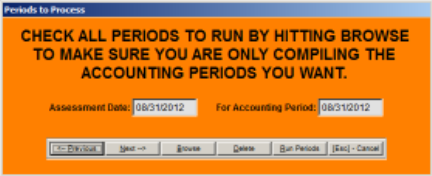
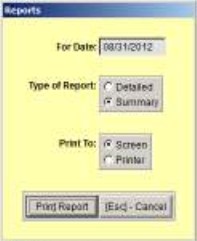
 You can print out a Summary of the Accounting Report that will have all of the necessary information for your treasurer. Some of the numbers come from the State Assessment Report for the same period, as well as money deposited, refunds for the period, etc. Notes for any non-standard
money collected (TEP, Conditional Discharge, etc.) will print at the bottom of this report.
Was this article helpful?
That’s Great!
Thank you for your feedback
Sorry! We couldn't be helpful
Thank you for your feedback
Feedback sent
We appreciate your effort and will try to fix the article